 Amberfly
Strap Builder dev log #1: draw a line, get a strap
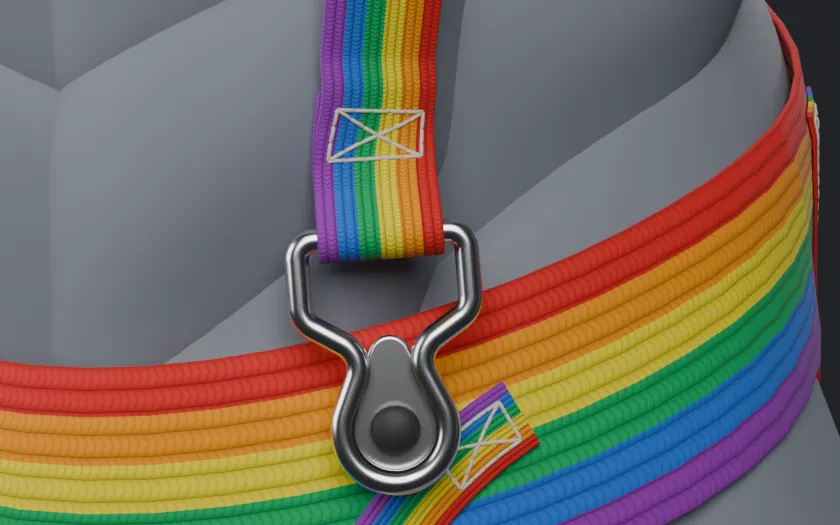
Straps take forever to model. Every harness, collar and belt means building the band along the body, adding the stitching, then fitting rings and buckles by hand. It's slow and kind of tedious, so I'm building a Blender add-on to do that part for me: Strap Builder.
How it works
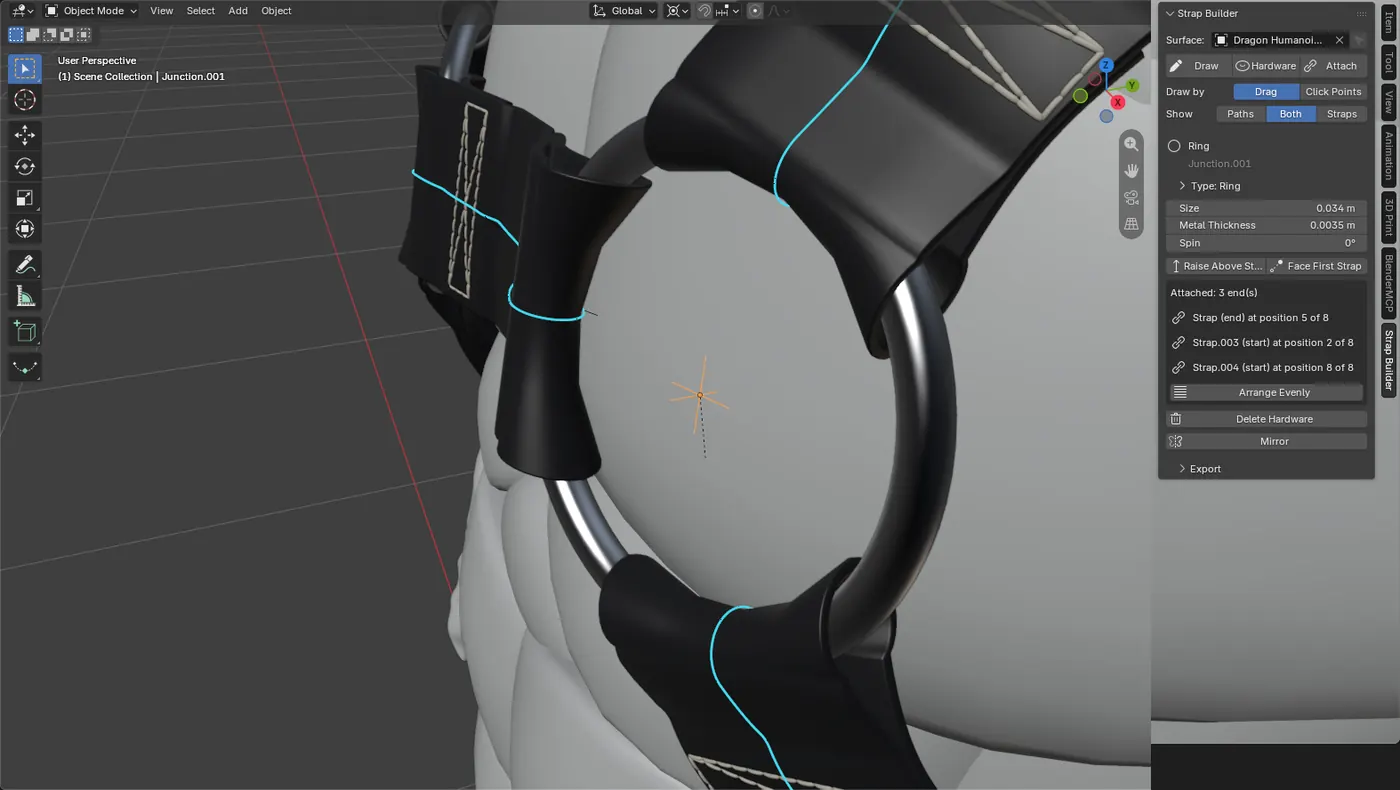
Pick a body or prop and draw on it, freehand or by clicking points. The line turns into a live strap that sits on the surface, with stitching and rivets. Move the line and the strap follows.
- Hardware: rings, D-rings, rectangles, hearts, sliders, buckles and clips, or your own custom pieces.
- Joins: a strap end wraps around a bar on the hardware, or two straps join with a flat overlap or patch.
- Export: when it looks right, export the mesh to Unity.
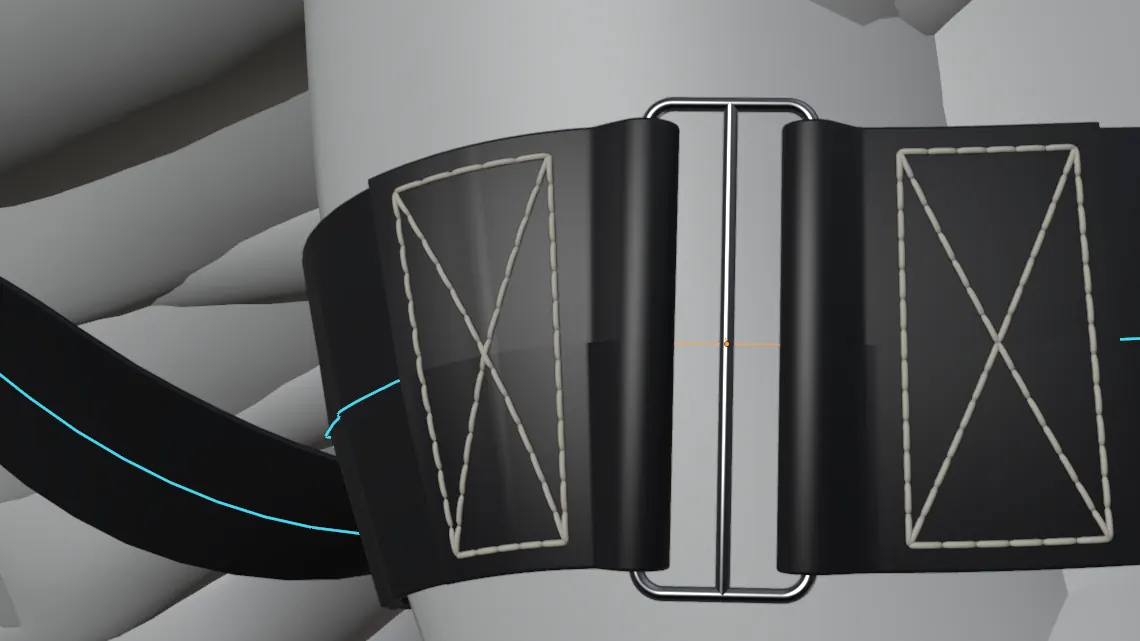
An earlier test in black leather, an armband with a slider. Still one of my favourite looks so far.
Test harness
To test it properly I made a chest harness on a dragon: 50 mm elastic, O-rings at the front with sliders on the shoulders, a ring at the back and a waist belt. The picture at the top is a close-up of a clip where a strap meets the belt.
What's next
It's not out yet. I want it solid before anyone else uses it, so I'm still testing and fixing stuff. More pictures soon.
The dragon body is from "Base Mesh Pack (FREE)" by GZR - ART (MotionStreamStudios on Sketchfab), licensed CC BY 4.0. I made the harness with Strap Builder.